Home & Chat
A dashboard for the work in front of you, and a dedicated space for conversation. The tour’s chat uses labeled, prewritten examples.
MEET YOUR NEXT DESK COMPANION
Open the screens. Explore the tabs. Get a feel for PHNTM One before it arrives on your desk.
THE INTERACTIVE SCREEN TOUR
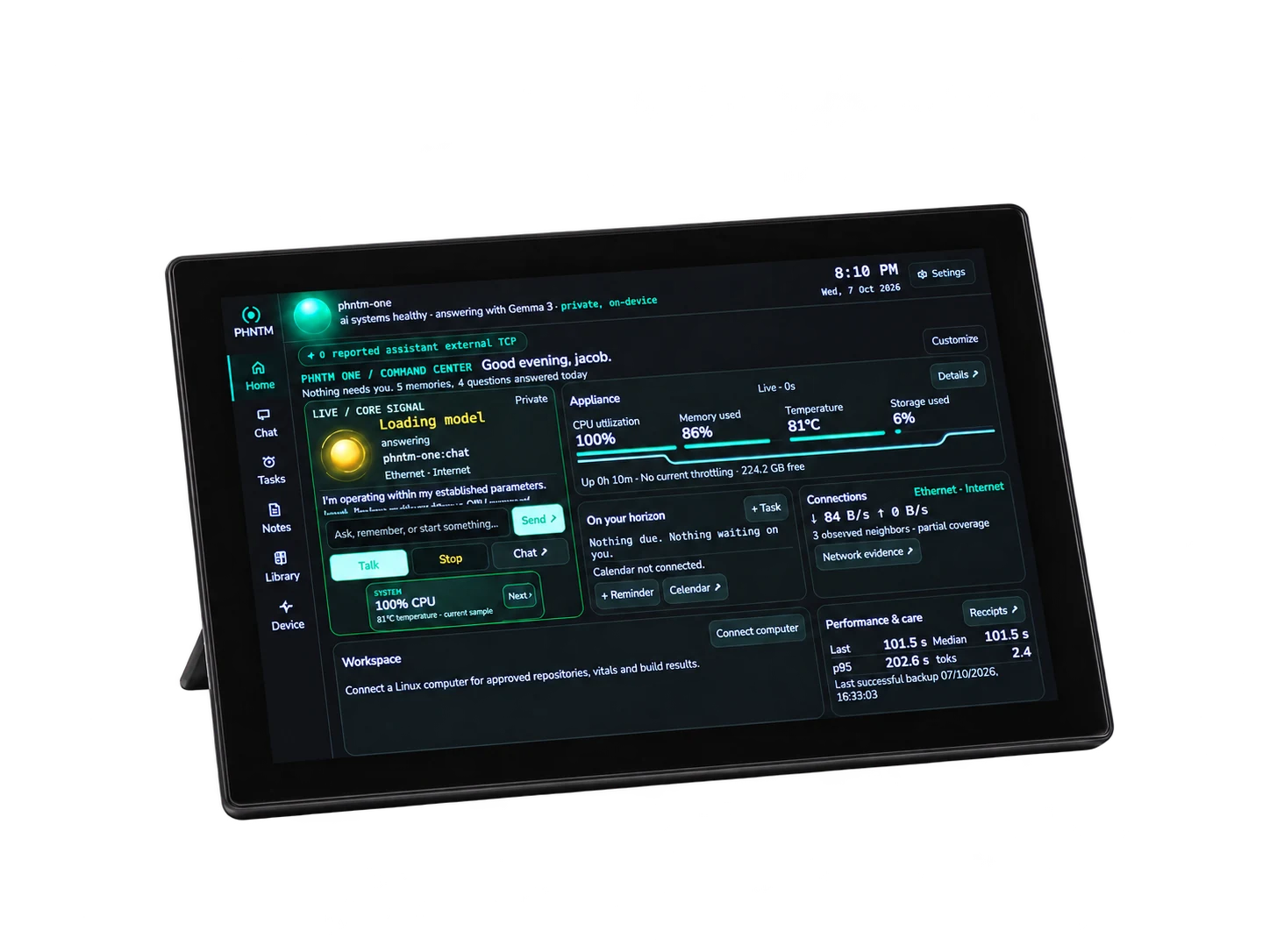
Enable JavaScript for the interactive preview, or explore the screen descriptions below.
PHNTM One dashboardHome brings your conversation, upcoming tasks, appliance readings and connection information together. Try the sidebar, or follow the arrows above.
Try: open Device to inspect the sample vitals.
This is an interactive adaptation of the device interface. Readings, notes, documents, activity and chat examples are fictional. Nothing here operates a device, connects an account, records audio or runs an AI model. Layout adapts to your browser; final screen details may change.
FIND YOUR WAY AROUND
A dashboard for the work in front of you, and a dedicated space for conversation. The tour’s chat uses labeled, prewritten examples.
Try editing a sample note, keeping an example draft separate, adding a reminder or completing an open loop.
Move between memories, documents and open loops. Open a sample document and see where remembered details are reviewed.
Explore example vitals, activity, journal entries, connection controls and care options. Try the appearance settings, then reset the preview.
THERE’S MORE TO SEE
Rotate the device, separate its components, and inspect the engineering drawings.